DNS Redundancy: Why It Matters and How to Achieve It
DNS Is a Single Point of Failure
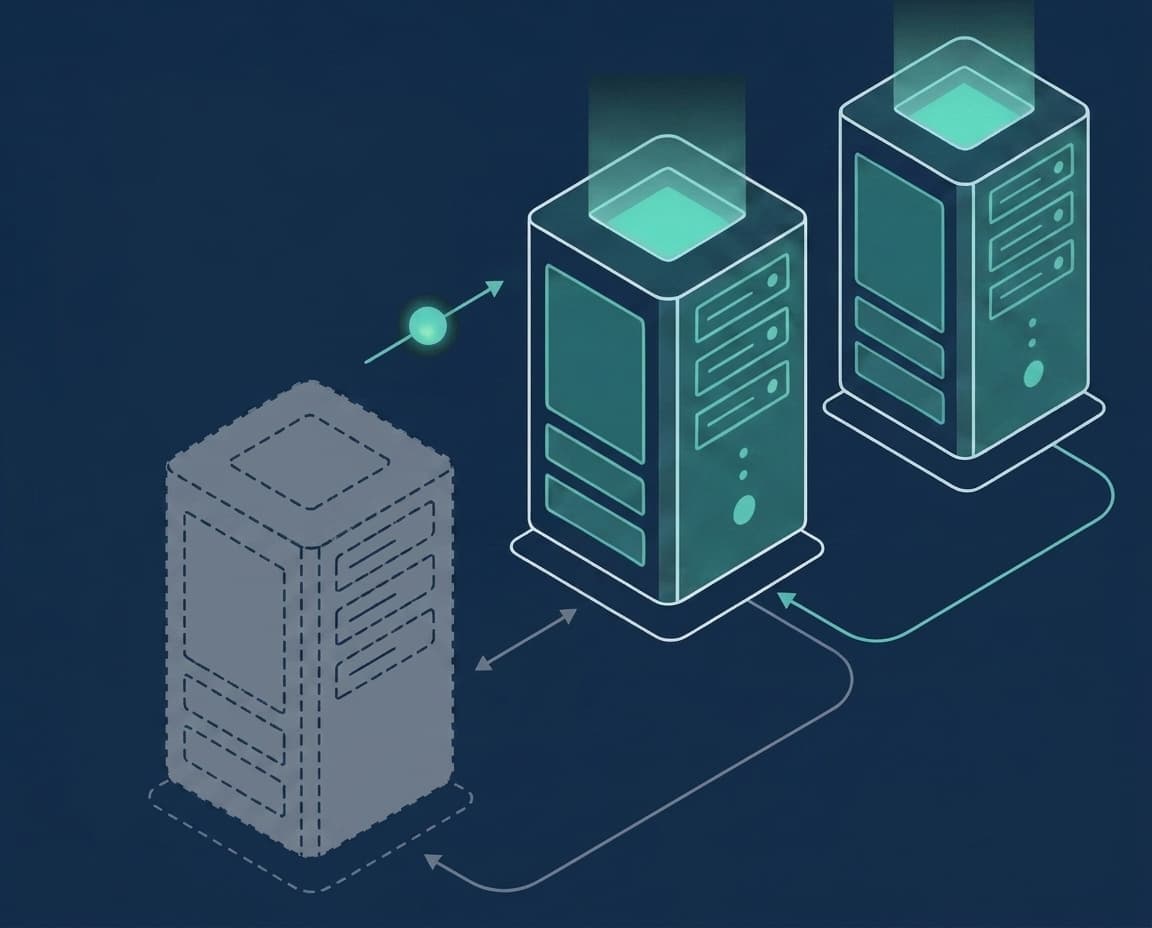
Every website, API, and online service depends on DNS to translate domain names into IP addresses. If your DNS stops working, your entire online presence goes dark — even if the servers behind it are perfectly healthy.
A single nameserver is a single point of failure. Hardware failures, network outages, DDoS attacks, or even a misconfigured firewall rule can take it offline. When that happens, no one can reach your service.
When DNS Goes Down: Lessons From Real Outages
DNS outages are not hypothetical. In October 2016, a massive DDoS attack against a single DNS provider (Dyn) knocked Twitter, GitHub, Reddit, Spotify, and dozens of other major sites offline for hours — not because their own servers failed, but because the one DNS service they relied on did.
The lesson is simple: if every nameserver for your domain sits with one provider, that provider is your single point of failure. An independent secondary nameserver on separate infrastructure keeps your domain resolving even when your main DNS goes dark.
What DNS Redundancy Means
DNS redundancy means running multiple independent nameservers for the same zone. If one fails, the others continue answering queries. Clients and resolvers automatically try alternative nameservers when the first one is unreachable.
True redundancy requires:
– Multiple nameservers (at least two — going from one to two removes the single point of failure) – Geographic distribution across different networks and data centers – Automatic synchronization so all servers return the same records – Independent failure domains — servers should not share the same power, network, or hosting provider
How DNS Failover Works
When a DNS resolver queries your domain, it receives a list of all nameservers from the NS records. If the first nameserver doesn't respond within a timeout (typically 2–5 seconds), the resolver tries the next one.
This happens transparently — end users don't see any error. The failover is built into the DNS protocol itself. The only cost is a few seconds of additional latency on the first lookup, which is then cached.
Primary and Secondary DNS Architecture
The most common approach to DNS redundancy is the primary-secondary (master-slave) model:
– The primary server is the authoritative source of truth. You make all DNS changes here. – One or more secondary servers receive zone data from the primary via AXFR/IXFR transfers. – All servers are listed as NS records and answer queries equally.
This architecture is simple, battle-tested, and supported by every major DNS server software.
How Many Nameservers Do You Need?
The single most important step is going from one nameserver to two. One nameserver is a single point of failure; a second, independent nameserver removes it — that first jump delivers by far the biggest reliability gain.
Your primary plus one independent secondary, on a separate network and provider, gives you two nameservers — which also satisfies the minimum that virtually every domain registrar requires. RFC 2182 recommends three for extra margin on very high-traffic or critical zones, but what matters most is not the raw count — it is that your nameservers do not share the same failure domain. Two servers in the same rack are far weaker than two servers on independent networks.
Two Providers Beat Two Servers in One Place
Redundancy only helps if your nameservers can fail independently. Two servers in the same data center share power, network, and upstream routing — a single incident can take both down at once. Real resilience comes from spreading nameservers across different providers and regions.
That is exactly what a secondary DNS service adds: keep your existing primary where it is, and put an independent secondary on separate infrastructure, in a region you choose. Your domain now survives the loss of either side — not just a reboot of one box in the same room.
Common DNS Redundancy Mistakes to Avoid
Avoid these pitfalls when setting up DNS redundancy:
All nameservers on the same network: If the network goes down, all servers go down. Place secondaries in different data centers and with different providers.
Forgetting to allow zone transfers: The secondary can't sync if AXFR is blocked on the primary.
Ignoring SOA serial: The primary must increment the SOA serial on every change. If the serial doesn't increase, secondaries won't pull updates.
Not monitoring secondaries: A secondary serving stale records is worse than no secondary at all. Set up alerts for zone transfer failures.
Why Use a Managed Secondary DNS Service
Running your own secondary nameserver requires maintaining additional infrastructure. A managed secondary DNS service handles this for you:
– Automatic AXFR zone synchronization – An independent secondary on separate infrastructure, in a location you choose – Built-in monitoring and alerting – No server management overhead
You keep full control of your DNS records on your primary server. The managed secondary simply mirrors them and answers queries when needed.
SecondDNS gives you all of this on a free 3-month trial — add your domain, no credit card required.
Related Guides
Build your redundant DNS setup with these guides:
- How to Set Up a Secondary DNS Server - Understanding AXFR Zone Transfers - Personalized Nameservers: Setup, Glue Records, and Pitfalls - How to Add Secondary DNS to cPanel/WHM - How to Add Secondary DNS to Plesk - How to Add Secondary DNS to DirectAdmin - How to Add Secondary DNS to CyberPanel - Secondary DNS Server: What It Is and How It Works